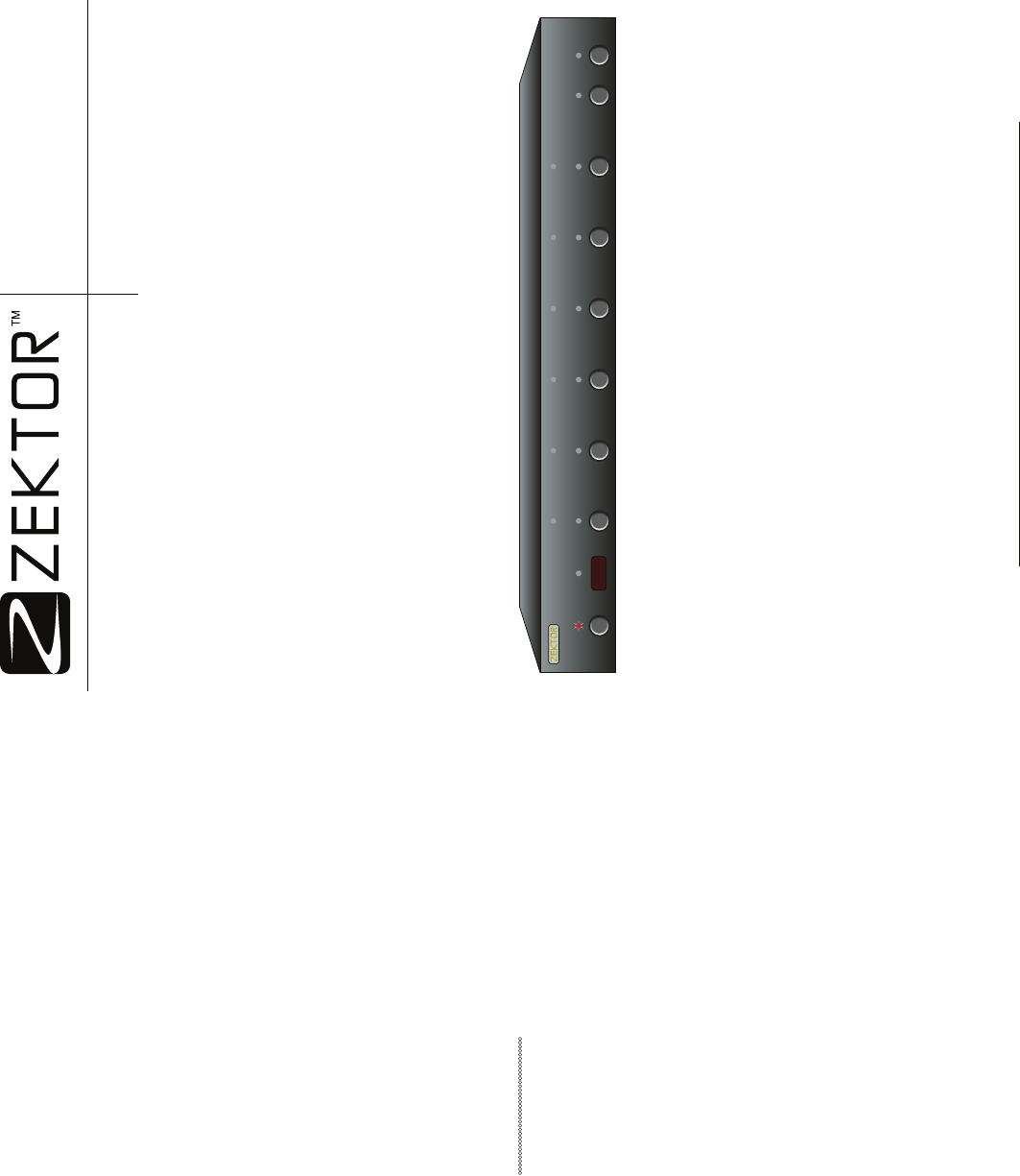
Zektor HDMI5 Guía de usuario
Busca en linea o descarga Guía de usuario para Los conmutadores de red Zektor HDMI5. Zektor HDMI5 User guide Manual de usuario
- Pagina / 16
- Tabla de contenidos
- MARCADORES

Indice de contenidos
ZEKTOR12675 Danielson CtSuite 401Poway, CA 92064858•748•8250www.zektor.comRev 1 06/28/2007Digital Video Switch 1 2
8 HDMI5 Component Video Switch sponse string after a command is issued, and a Query Response will always follow an Acknowl-edgement Response.The Async
20 HDMI5 Component Video Switch When used in combination with the “Read Last IR Code” command, even IR commands can be handled by the controller, outs
10 HDMI5 Component Video Switch Checksums and CRC-8 Checkcodes Defi nedThe use of a checksums or CRC-8 checkcodes can increase the reliability of commu
18 HDMI5 Component Video Switch keep the size of the IR response small, this command sends the 72 bit IR code as an 18 digit hexadecimal value.IR ?
12 HDMI5 Component Video Switch Source Code Example of Calculating a CRC-8 CheckcodeThe following is a simple “C” program that calculates the CRC-8 of
16 HDMI5 Component Video Switch Response String:=P nWhere: n = Current power status.Output MappingMaps the HDMI5’s output to a selected input.O in
14 HDMI5 Component Video Switch HDMI5 Command ReferenceThe HDMI5 K.I.S.S.™ Command ReferenceThis section defi nes the K.I.S.S.™ commands that are avail
ii HDMI5 Component Video Switch The RS-232 Port ...1K.I.S.S.™ (Keep It Simple Serial™) ...
28 HDMI5 Component Video Switch Mode 1Relays toggle when activated by button press, or RS-232 command. Selecting inputs has no affect on the relays, a
2 HDMI5 Component Video Switch K.I.S.S.™ (Keep It Simple Serial™)The K.I.S.S.™ Command StructureThe following conventions are used to describe the pro
26 HDMI5 Component Video Switch ‘clt’ is a bitmapped parameter, mapped as follows:Decimal Value +128 +64 +32 +16 +8 +4 +2 +1Bit Position 76543210Name
4 HDMI5 Component Video Switch K.I.S.S.™ (Continued)mal parameter used by the command. For instances if the bits ‘AS’ and ‘IJ’ where to be set to 1, a
24 HDMI5 Component Video Switch Extended Control SettingsIn the Asynchronous mode of operation, the HDMI5 will transmit state changes as they occur. T
6 HDMI5 Component Video Switch and the Error Response is always the string:!ERR<CR><LF>By parsing only the prefi x characters ‘+’ and ‘!’,
22 HDMI5 Component Video Switch Q ? Query for current fl ag values.Q Query for current fl ag values.Response String:=Q fl agsWhere ‘fl ags’ is a b
Mas documentos para Los conmutadores de red Zektor HDMI5
Relacionado con productos y manuales para Los conmutadores de red Zektor HDMI5
 (12 paginas)
© 2020, manymanuals.es. Todos los derechos reservados | 0.028 s |
 Manymanuals.com
 Manymanuals.de
 Manymanuals.fr
 Manymanuals.it
 Manymanuals.pl
 Manymanuals.cz
 Manymanuals.es
 Manymanuals-pt.com
Comentarios a estos manuales